Some HTML elements that are often overlooked or underrated 😎

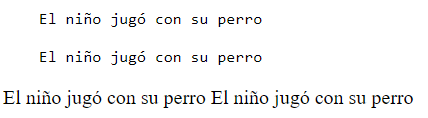
<pre>
Content within a <pre> element appears in a fixed-width font, commonly Courier, and maintains both spaces and line breaks.
<!-- example -->

<pre>
    El niño jugó con su perro

    El niño jugó con su perro
</pre>

<!-- comparision with p tag-->

<p>
    El niño jugó con su perro

    El niño jugó con su perro
</p>
<mark>
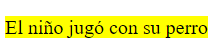
The HTML tag identifies text that is meant to be highlighted or marked.
<!-- example -->

<mark>
        El niño jugó con su perro
</mark>
<del>
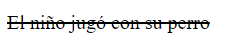
The HTML tag specifies text that has been removed from a document. Typically, web browsers will display deleted text with a strikethrough.
<!-- example -->

<del>
    El niño jugó con su perro
</del>
<sub>
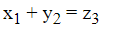
The HTML <sub> tag specifies subscripted text. Subscripted text is positioned slightly below the normal line and may be displayed in a reduced font size. It's commonly used for mathematical expressions
<!-- example -->

 x<sub>1</sub> + y<sub>2</sub> = z<sub>3</sub>
<sup>
The HTML <sup> element defines superscript text. Superscript text appears slightly above the normal line and is sometimes rendered in a smaller font. Superscript text can be used for mathematical expressions, such as E = mc<sup>2</sup>.
<!-- example -->
<pre>
    E = mc<sup>2</sup>.
</pre>

<q>
The HTML element signifies a brief quotation.
<p>The author's stance on success is succinctly captured in the quote: <q>Success is not final, failure is not fatal: It is the courage to continue that counts.</q></p>

<map> and <area>
The HTML element specifies an image map, which is an image containing clickable regions. These regions are defined using one or more tags.
  <h1>Clickable Image Map</h1>
  <img src="map-image.jpg" alt="Map Image" usemap="#map">

  <map name="map">
        <area shape="circle" coords="100,100,50" href="location1.html" alt="Location 1">
        <area shape="rect" coords="200,200,300,300" href="location2.html" alt="Location 2">
        <area shape="polygon" coords="400,400,500,500,400,600" href="location3.html" alt="Location 3">
  </map>
<picture>
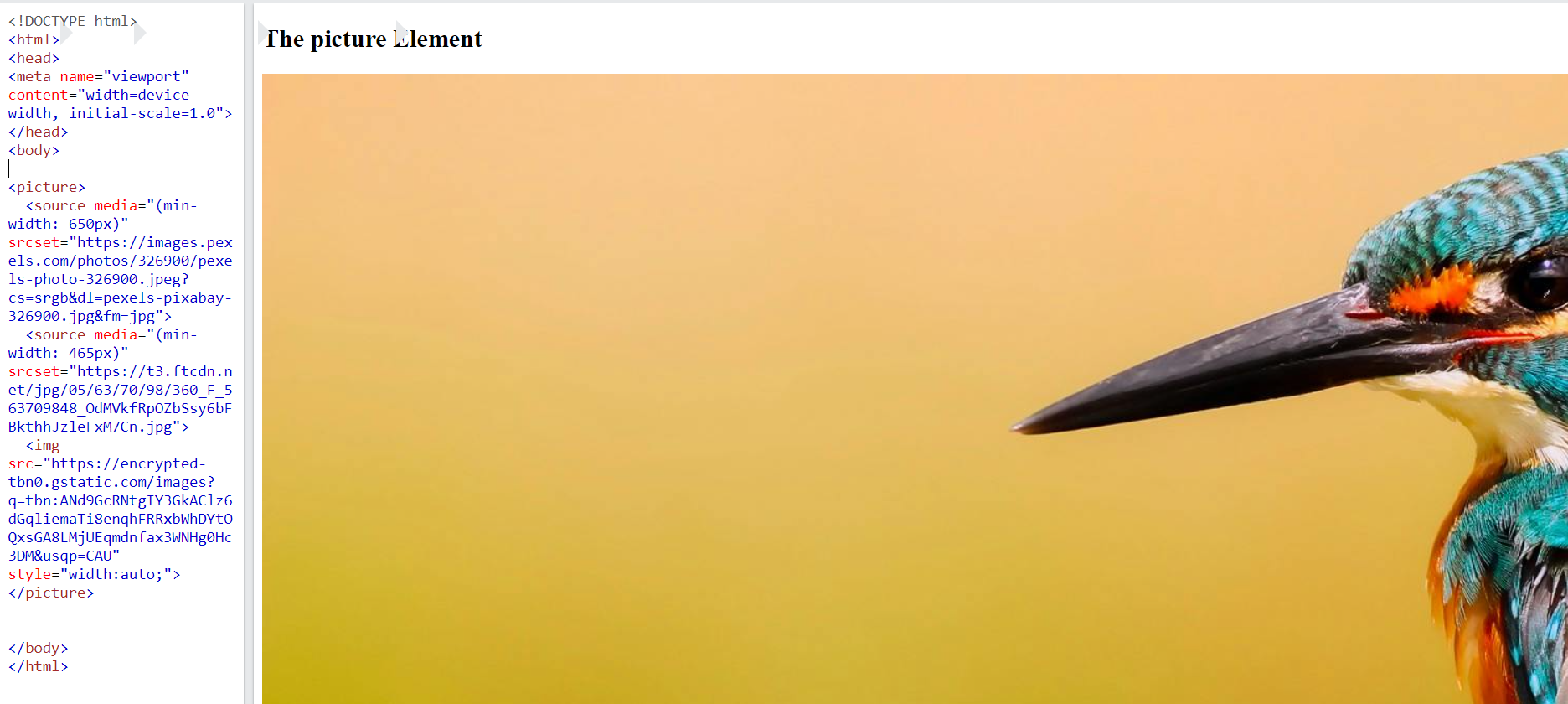
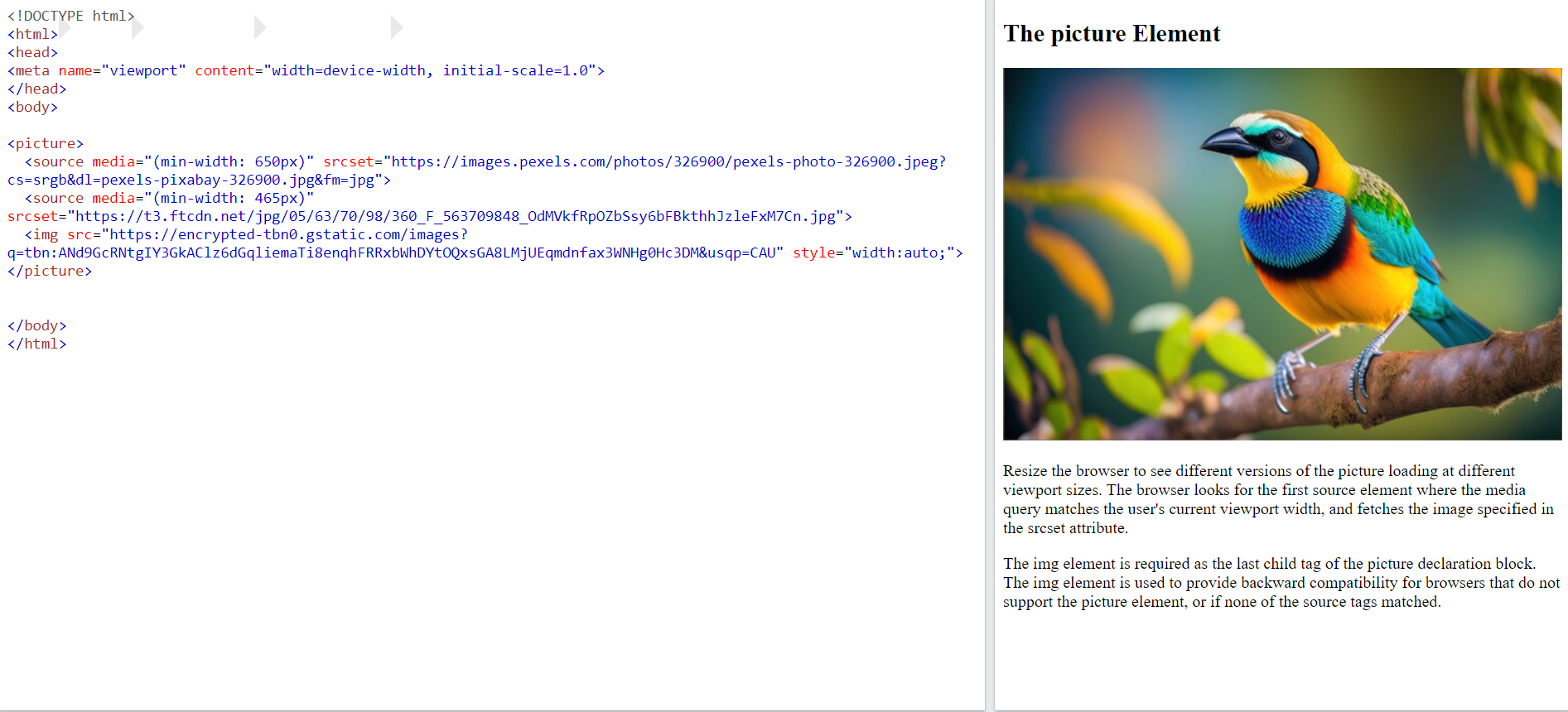
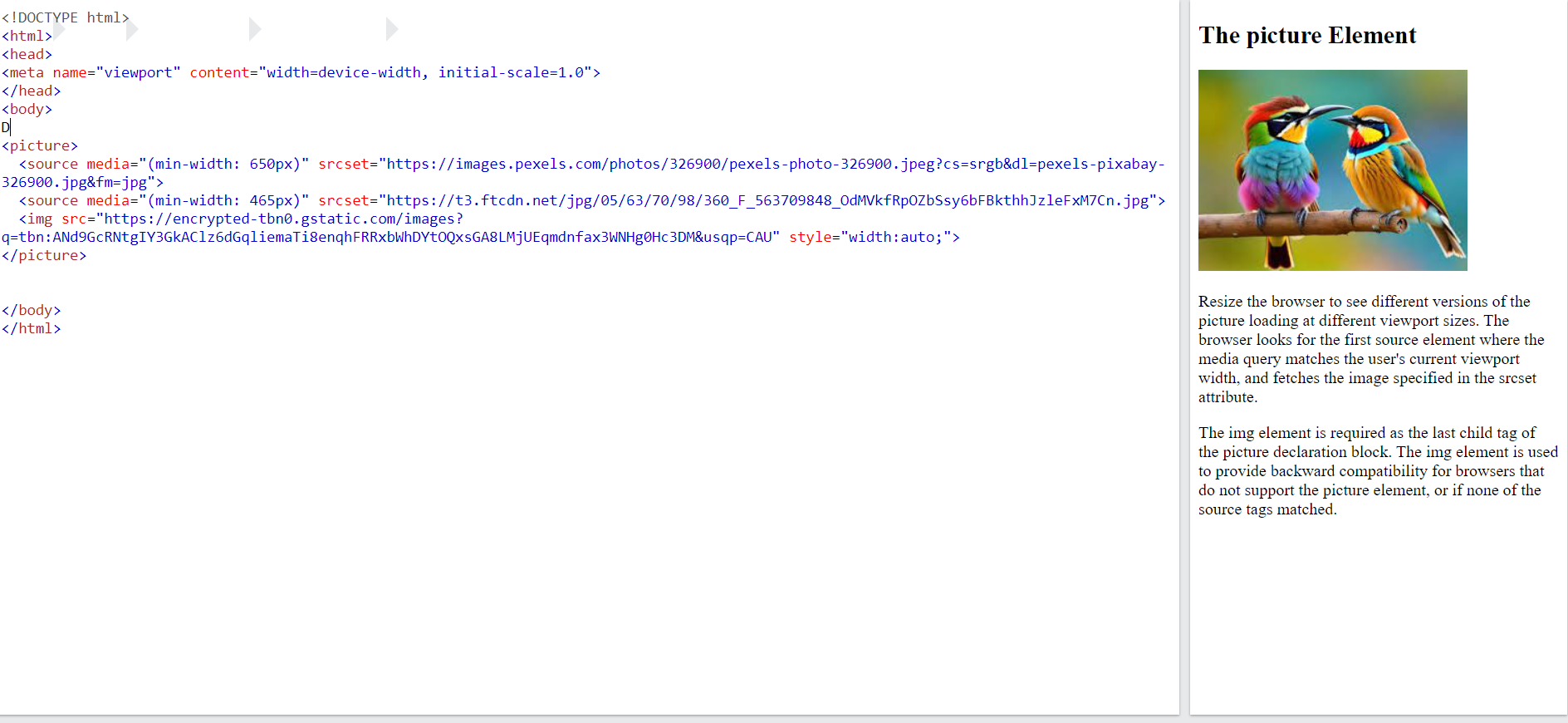
The <picture> element encompasses one or more <source> elements, with each pointing to different images via the srcset attribute. This approach enables the browser to select the most suitable image based on the current view and/or device. Really cool stuff 😎
<!-- example -->
<picture>
  <source media="(min-width: 650px)" srcset="https://images.pexels.com/photos/326900/pexels-photo-326900.jpeg?cs=srgb&dl=pexels-pixabay-326900.jpg&fm=jpg">
  <source media="(min-width: 465px)" srcset="https://t3.ftcdn.net/jpg/05/63/70/98/360_F_563709848_OdMVkfRpOZbSsy6bFBkthhJzleFxM7Cn.jpg">
  <img src="https://encrypted-tbn0.gstatic.com/images?q=tbn:ANd9GcRNtgIY3GkAClz6dGqliemaTi8enqhFRRxbWhDYtOQxsGA8LMjUEqmdnfax3WNHg0Hc3DM&usqp=CAU" style="width:auto;">
</picture>
Conclusion :
Finally, I'd like to emphasize that HTML offers a variety of tags, each with its own significance. It's a best practice to use tags according to their intended purpose rather than solely relying on generic <div> elements throughout your code. If you find it satisfactory, please consider giving it a like. Learn more


